




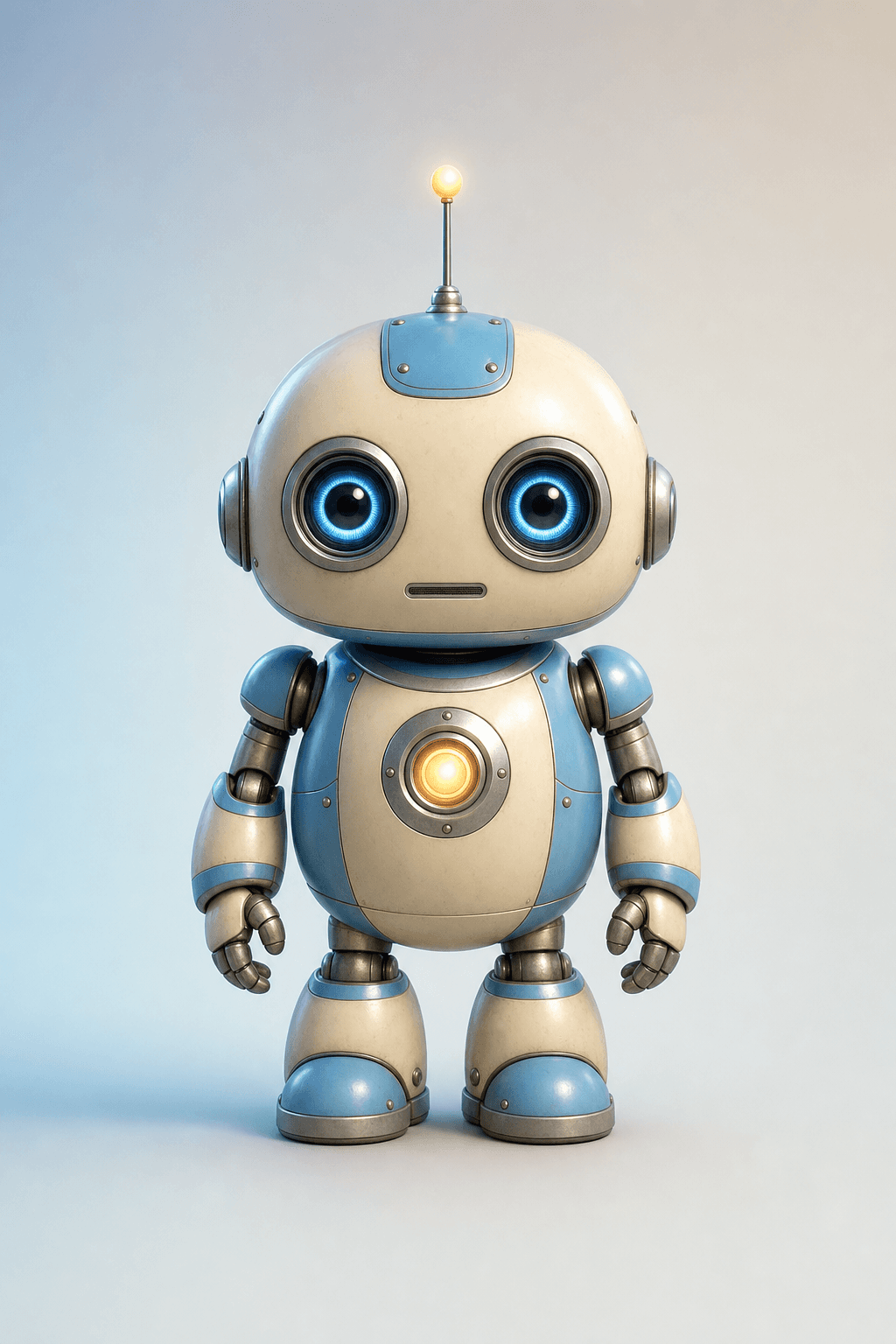
Make a clip in seconds
Type a line. A character says it.
Every clip is labelled “AI character”.
Works in ChatGPT and Claude
Add bitHuman once. Then ask for a clip or a live talk.
Copy this address
https://mcp.bithuman.ai/mcpAsk: “Show me the bitHuman characters.”

For developers
Build it into your app
Essence 2 and Expression 2 render on the device, inside your app.



Rendered on the device: iPhone.
ContentView.swift· Swift package 3.0.0
.package(url: "https://gitlab.com/bithuman/sdk/homebrew-bithuman",
         from: "3.0.0")

let engine = try Expression2Engine.create(
    avatarContainer: avatarURL,
    sharedEngineContainer: sharedEngineURL,
    stagingDir: stagingURL)

engine.feed(samples)
engine.flushTail()
for await frame in engine.frames(audioClock: { played() }) {
    show(frame.bgr, frame.width, frame.height)
    if frame.audioTime == 0 { play(reply) }
    if frame.endsReply { break }
}
implementation("ai.bithuman:expression2-android:0.6.2")

Expression2Avatar.create(context, model, Expression2Options()).use { avatar ->
    val frame = avatar.newFrameBitmap()
    avatar.feed(pcm16k)
    avatar.flushTail()
    while (true) {
        if (avatar.pull(frame) != null) { show(frame); continue }
        if (!avatar.hasPendingTail && avatar.queuedFrames == 0) break
        Thread.sleep(10)
    }
}
pip install "bithuman[expression-2]"

import bithuman

with bithuman.open("wise-pup.imx") as avatar:
    for image in avatar.render("speech.wav"):
        show(image)
show, play and played are your app's own. You bring the conversation.
That's the whole loop.
Or let your AI agent build it →Try a live demo
- Live demo
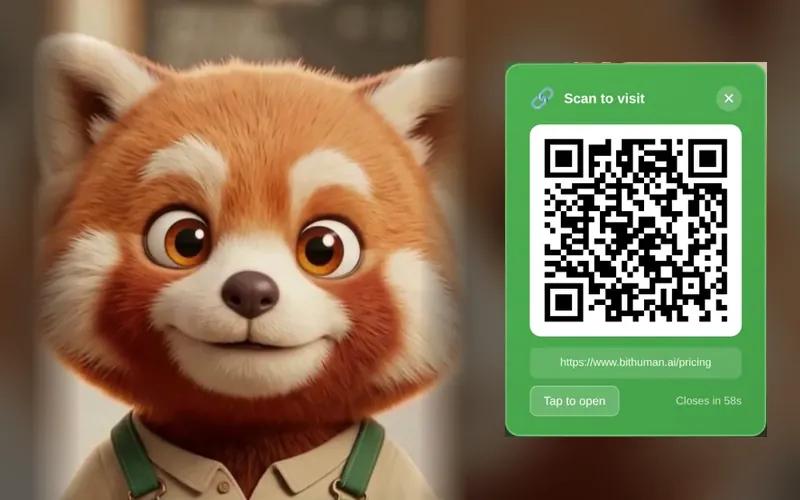
Pip, the barista
Say “checkout”, then pay with one phone scan.
Try itMic on when you tap. Swipe for more.
- Live demo
Uber pitch deck
A deck that presents itself. Interrupt anytime.
Try itMic on when you tap. Swipe for more.

- Live demo
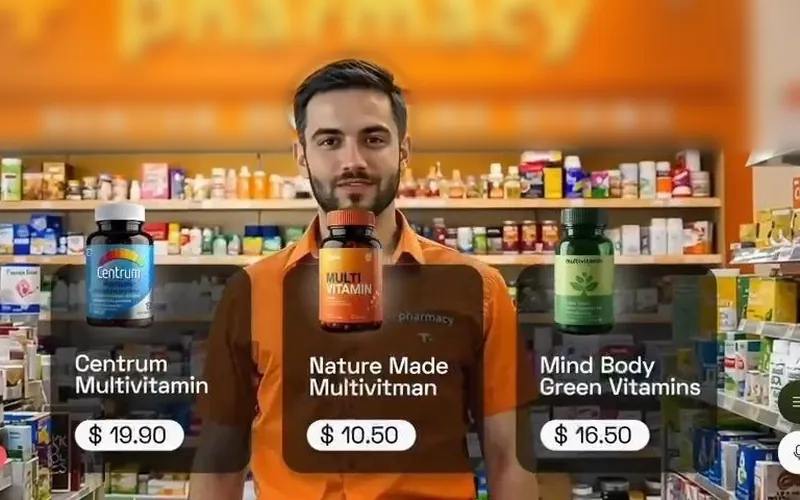
Shopify sales agent
Reads a live catalog and fills the cart.
Try itMic on when you tap. Swipe for more.